Xbox Mode Comes to Windows 11: A Gamepad-Friendly Interface for Gamers
Microsoft has begun rolling out a new feature called Xbox Mode for Windows 11 desktops and laptops, transforming the standard desktop into a console-like interface designed for gamepad navigation. This update introduces consolidated storefronts and a streamlined experience tailored for gamers. Below, we answer key questions about this exciting addition.
What is Xbox Mode for Windows 11?
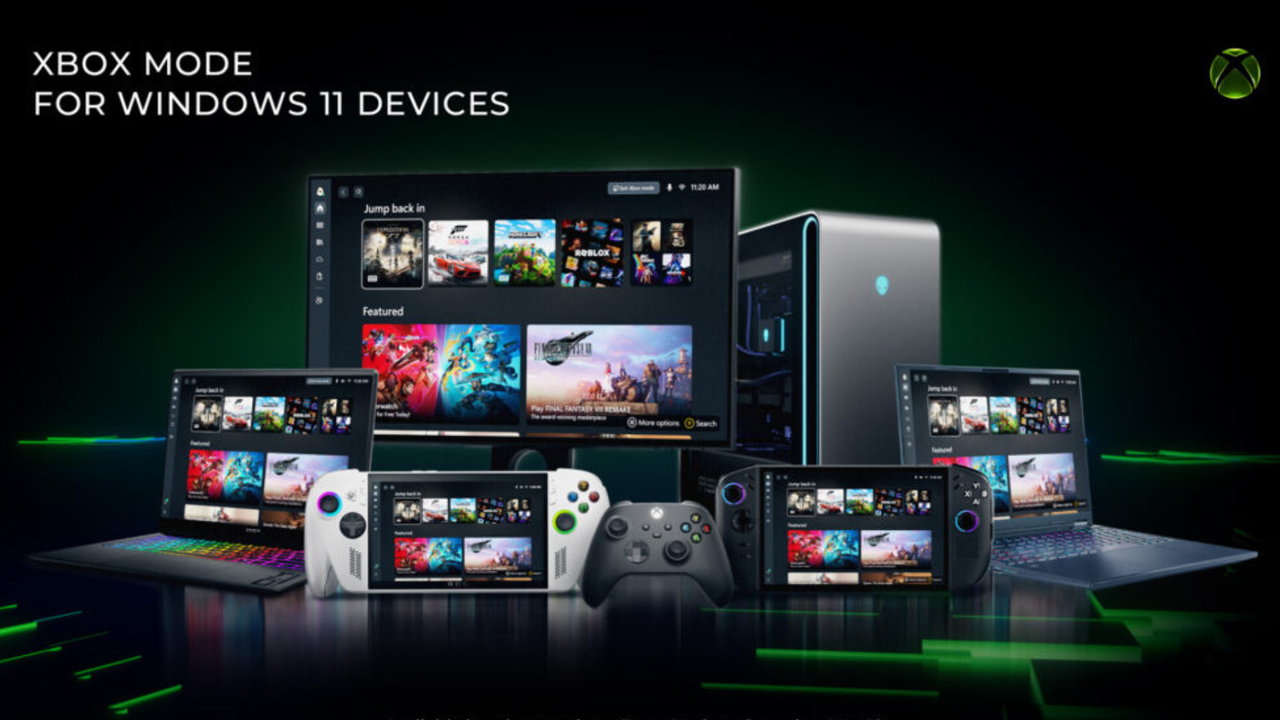
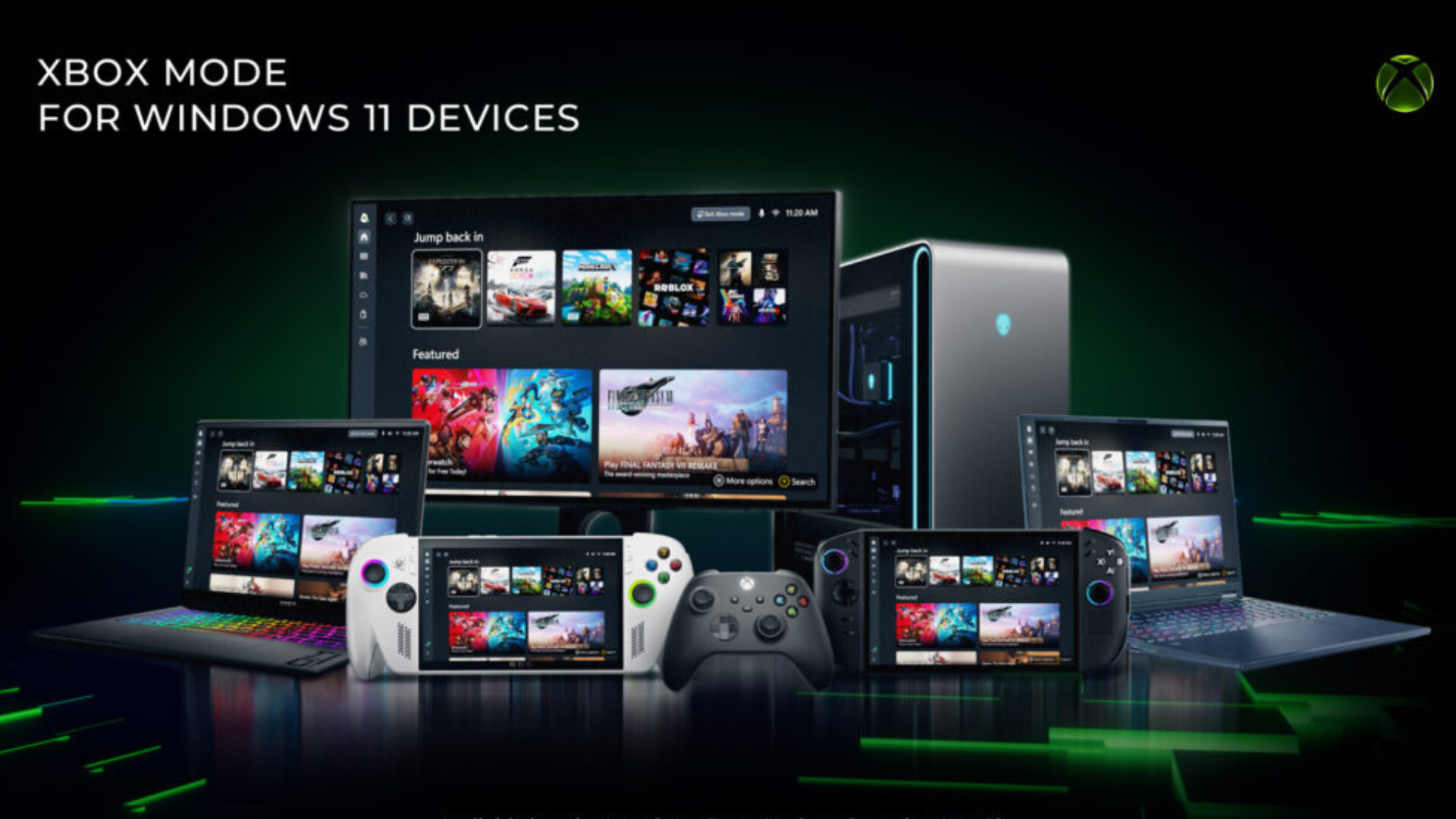
Xbox Mode is a new feature that replaces the traditional Windows 11 desktop with an interface inspired by the Xbox console dashboard. It is designed to make navigation easier using a game controller, allowing gamers to access their games, apps, and settings without needing a keyboard and mouse. The mode centralizes access to storefronts like the Microsoft Store and Xbox Game Pass, creating a unified hub for PC gaming.
How Does Xbox Mode Change the Desktop Experience?
When activated, Xbox Mode completely overhauls the Windows desktop. The standard taskbar, start menu, and icons are replaced with a full-screen console-style layout. Users see large tiles for games, quick access to recent titles, and controller-friendly menus. The interface prioritizes simplicity and fluid navigation using a gamepad, making the PC feel more like an Xbox console. Background processes and desktop elements are hidden to reduce distractions and optimize performance for gaming.
What Are the Consolidated Storefronts?
Consolidated storefronts refer to the integration of multiple game purchasing and subscription services into one unified view in Xbox Mode. Instead of opening separate apps for the Microsoft Store, Xbox Game Pass, or individual game launchers, users can browse a single library that aggregates content. This includes Game Pass titles, purchased games from the Microsoft Store, and even supported third-party platforms. The goal is to simplify discovery and access, allowing gamers to find and launch any title directly from the Xbox Mode interface.
How Does Gamepad Navigation Work in Xbox Mode?
Xbox Mode is optimized for gamepad navigation from the ground up. The interface uses large, well-spaced tiles and simple grid layouts that respond to directional inputs on a controller. Buttons like the Xbox guide button, A, B, X, and Y map to common actions such as selecting, going back, opening menus, and launching games. Virtual keyboards appear when text input is needed, and the entire system can be navigated without touching a mouse or keyboard. This ensures a seamless transition for console gamers moving to PC.
When Is the Rollout Happening?
Microsoft has begun rolling out Xbox Mode as part of an update for Windows 11. The feature is initially available to Windows Insiders in the Dev Channel for testing and feedback. A wider rollout to all Windows 11 users is expected in the coming months after stability and performance improvements are made. Users can check for updates in Windows Update settings to see if the feature is available for their system.
Can Users Switch Back to the Standard Desktop?
Yes, Xbox Mode is designed as a toggleable feature. Users can easily switch between the standard Windows 11 desktop and Xbox Mode through a simple menu option in Settings or via a dedicated shortcut. This allows gamers to use the console interface when playing and revert to the traditional desktop for productivity tasks or other applications. Microsoft ensures that all files, apps, and settings remain accessible in both modes.
Related Articles
- 8 Critical Insights Into Dull, Dirty, and Dangerous Jobs (And Why Robots Are the Answer)
- The Legend of Zelda: The Minish Cap Gets Unofficial Android Port: Everything You Need to Know
- Gaming's Purpose Questioned: 'Asking Why Play Is Like Asking Why Season Food' – Industry Insiders Debate
- IO Interactive Defies Bond Traditions: New '007 First Light' PS5 Controller Rejects Iconic Barrel Motif
- How to Build a Linux Gaming PC from Your PS5
- Streamline Your Battles: Gaijin Single Sign-On Arrives on GeForce NOW
- How a Trio of Canadian Modders Secured an Official Die Hard Game Deal: 'A Dream Come True'
- 10 Key Insights into Reverse-Engineering the 1998 Ultima Online Demo Server