Turning Your Old Smartphone into a Dashcam: 3 Crucial Lessons Learned
Introduction: Why You Should Consider a Dashcam
A dashcam doesn't feel important until you need one. A minor collision with no witnesses, or an insurance claim that devolves into a he-said-she-said dispute—having actual footage of the events can be the difference between a smooth resolution and a lengthy, frustrating battle. But what if you already have a device that can serve as a dashcam without spending any money? That's right—your old smartphone, sitting forgotten in a drawer, could be repurposed into a capable driving recorder.
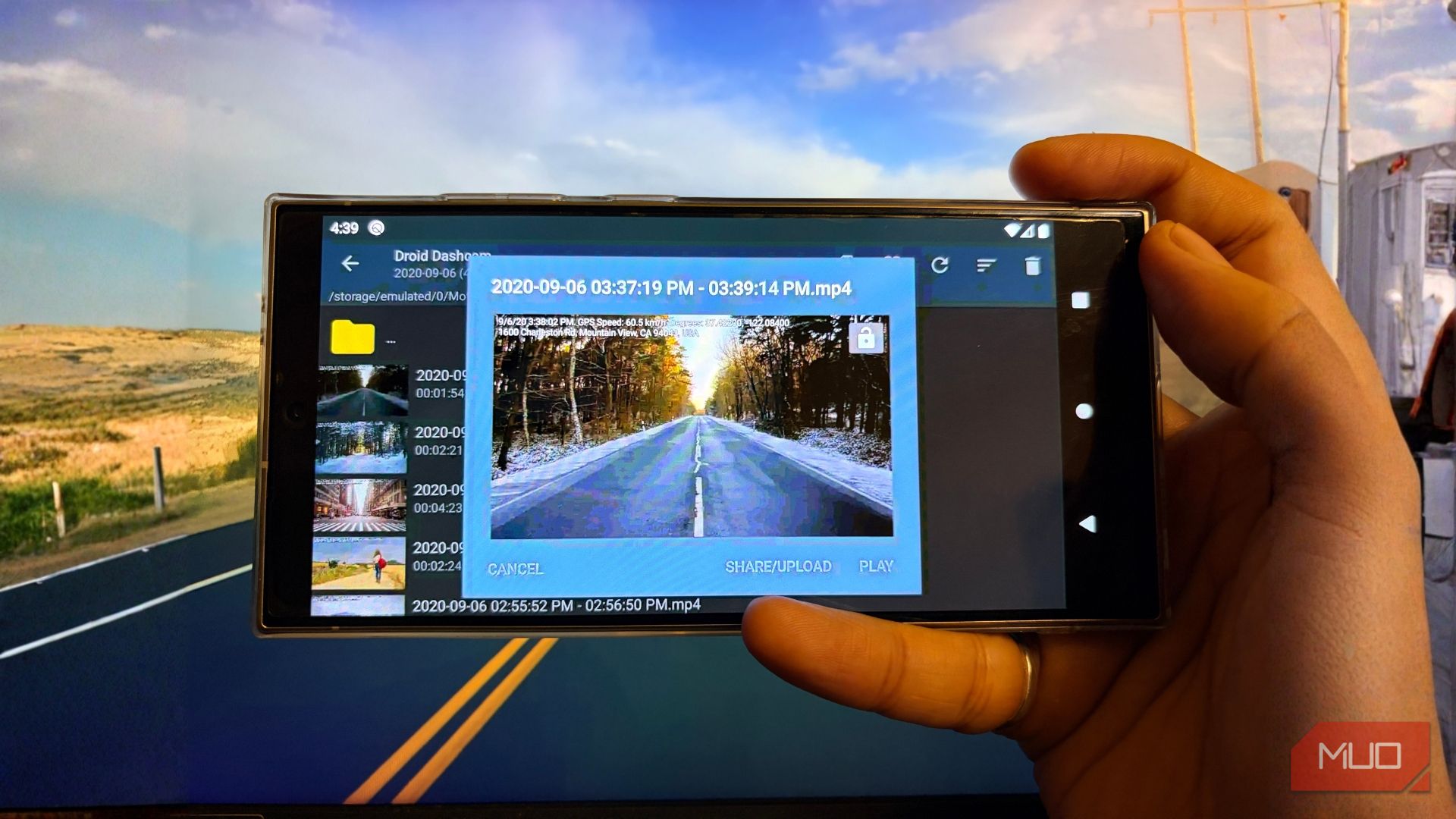
However, as with any DIY project, there are pitfalls and lessons to learn. From battery management to mounting and recording loops, here are three key things I wish I knew before I started using my old phone as a dashcam.
1. Battery Management Is Crucial – Heat and Constant Charging Are Enemies
Most old phones are equipped with lithium-ion batteries that aren't designed for continuous exposure to heat and constant charging. When you mount your phone on the windshield, direct sunlight can quickly raise its temperature, leading to potential battery swelling or even fire hazards.
Use the Right Charging Setup
Instead of relying on the phone's internal battery, it's better to remove the battery altogether and power the phone directly from the car's USB port. Alternatively, if removal isn't possible, set the phone to a charging limit (if supported) or use a smart charger that cuts off power when the battery is full. Also, consider using a reflective sunshade to reduce heat buildup.
Monitor Temperature
Many dashcam apps offer temperature alerts. Enable these notifications so you can take action when the device gets too hot. In extreme climates, a dedicated dashcam might be safer.
2. Storage and Loop Recording Require Careful Configuration
Old phones usually have limited internal storage, and dashcam footage can eat it up quickly. A 32GB phone might only hold a few hours of high‑definition video. Without proper loop recording, you'll run out of space right when you need that critical clip.
Choose the Right App Settings
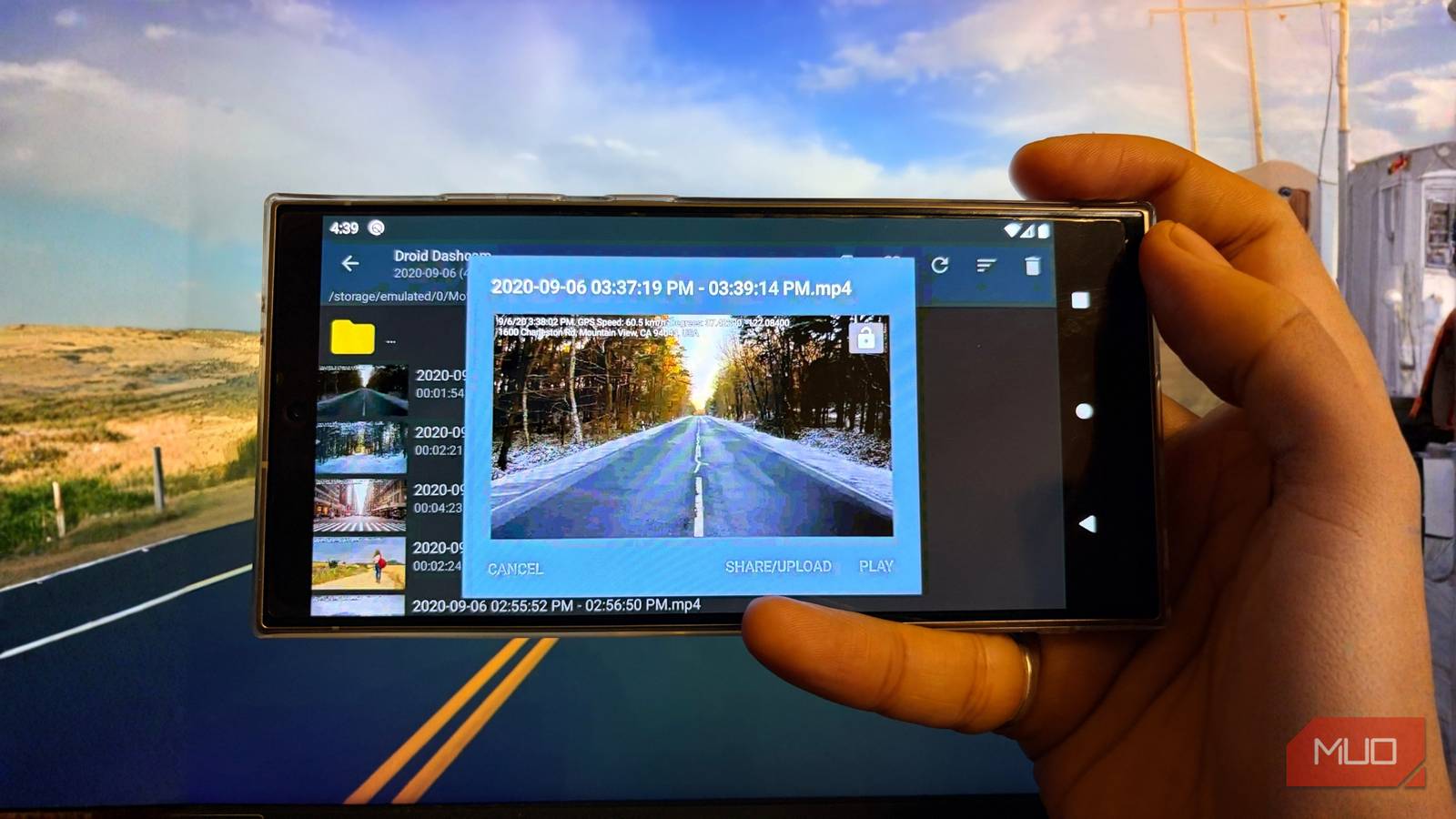
Most dashcam apps allow you to set a maximum video length (e.g., 3 minutes) and a storage limit. Enable loop recording so that the oldest footage is automatically overwritten. Also, set the app to save emergency clips to a separate, write‑protected folder so they don't get deleted.
Use External Storage
If your old phone supports USB‑OTG (On‑The‑Go), you can connect a flash drive or microSD card reader. Some apps can write directly to external storage, giving you more room. Just ensure the external drive is formatted correctly and that the phone can keep it powered.
3. Mounting and Stability Matter More Than You Think
Your phone must stay securely in place during sudden braking or sharp turns. A cheap suction cup mount might fail when you need it most. Also, vibrations can blur the video, making license plates unreadable.
Invest in a Quality Mount
Look for a dashcam‑specific mount that grips the phone tightly and attaches firmly to the windshield or dashboard. Avoid using the phone's own case as the sole mounting point—it may not hold under stress. A short, rigid arm reduces vibration.
Positioning for Optimal View
Place the phone behind the rearview mirror to avoid obstructing your view. Ensure the lens has a clear view of the road ahead without reflections from the dashboard. Many phones have wide‑angle lenses, but test the positioning before relying on it.
Conclusion: Is an Old Phone Good Enough as a Dashcam?
Using an old smartphone as a dashcam is a cost‑effective solution, but it comes with trade‑offs. By managing battery heat, configuring storage properly, and using a stable mount, you can make it work reliably. Yet, if you live in a hot climate or drive frequently, a dedicated dashcam may offer better durability and peace of mind. Regardless, the three lessons above will help you avoid common mistakes and get the most out of your repurposed device. Battery management, storage configuration, and mounting stability are the cornerstones of a successful DIY dashcam setup.
Related Articles
- Revolutionizing Facebook Groups Search: Unlocking Community Insights
- 7 Amiability Lessons from the Vienna Circle for a More Welcoming Web
- How to Analyze the OnePlus-Realme Merger and Its Implications for the Smartphone Market
- From Persuasive to Behavioral Design: A Practical How-To Guide for Product Teams
- Google's AI Search Now Highlights Reddit and Forum Discussions as 'Expert Advice'
- Facebook Transforms Groups Search with Hybrid AI to Unlock Community Knowledge
- The Silent Destroyers: Avoiding Common Fire TV Stick Pitfalls
- Securing Your Remote Desktop Connection: A Step-by-Step Guide for Windows Users