Harnessing Python and APIs to Access Public Data Effectively
In today's data-driven world, the ability to read and analyze public data is a valuable skill. Python, with its rich ecosystem of libraries, combined with Application Programming Interfaces (APIs), provides a powerful toolkit for developers and data enthusiasts. This article explores the fundamental concepts of working with APIs in Python—from understanding how requests and responses flow, to handling authentication, pagination, and rate limits. Whether you're a beginner or looking to solidify your knowledge, you'll gain practical insights to retrieve public data efficiently.
Understanding the Basics of API Communication
APIs act as intermediaries that allow different software applications to talk to each other. When you access a public API to fetch data, your Python code sends a request to a server, and the server returns a response. The response typically includes a status code (e.g., 200 for success, 404 for not found), headers that carry metadata (like content type and caching policies), and the actual data payload—often in JSON or XML format.
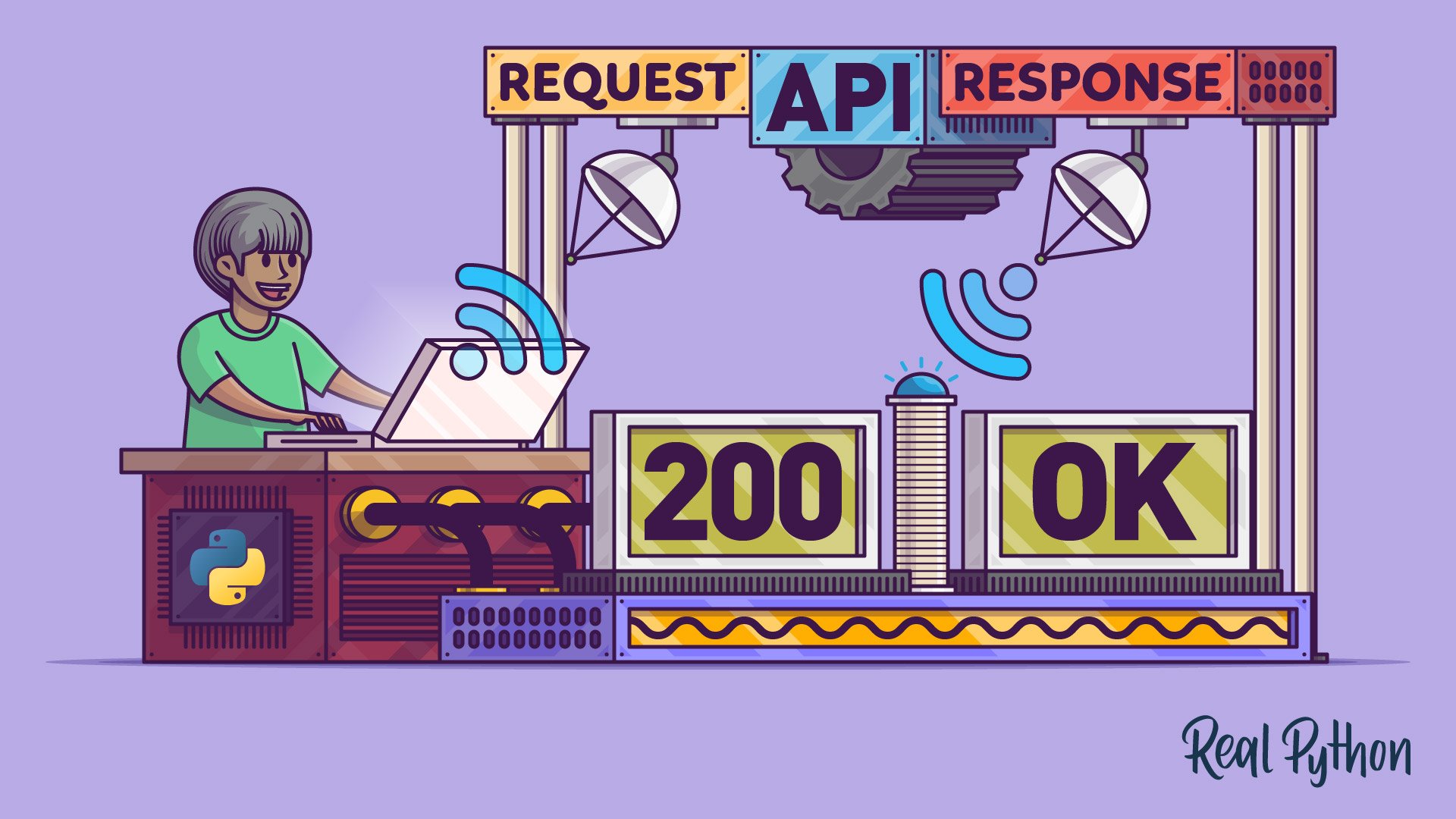
Understanding these components is crucial because they help you diagnose issues and ensure your data retrieval is robust. For instance, checking the status code lets you know if your request succeeded or if you need to handle errors gracefully.
Leveraging the Requests Library in Python
The requests library is the go‑to tool for making HTTP calls in Python. It simplifies the process of sending requests and processing responses. With just a few lines of code, you can perform GET, POST, PUT, and DELETE operations. Here's a quick glimpse:
import requests
response = requests.get('https://api.example.com/data')
print(response.status_code)
print(response.json())
This library handles many complexities under the hood, such as encoding, session management, and even SSL verification. It also provides convenient methods to access response headers and content.
Handling Authentication, Pagination, and Rate Limits
Authentication
Many public APIs require authentication to track usage or grant access to protected data. Common methods include API keys, OAuth tokens, or basic authentication. With the requests library, you can attach credentials directly to your requests, often via headers or authorization parameters.
Pagination
When a dataset is large, APIs typically return results in pages. You'll need to handle pagination by following links or incrementing page numbers. This ensures you collect all the data without overwhelming the server or your application.

Rate Limits
To prevent abuse, APIs enforce rate limits—a maximum number of requests allowed within a specific time window. Exceeding these limits results in error codes (e.g., 429 Too Many Requests). Python developers can implement polite request patterns using techniques like exponential backoff or by parsing Retry-After headers to respect the API's constraints.
Putting It All Together – A Typical Workflow
Imagine you want to fetch public data from a governmental open data portal. Your Python script would:
- Send an authenticated request to the API endpoint.
- Check the response status for success.
- Extract data from the JSON payload.
- If results are paginated, iterate through pages.
- Handle rate limits by pausing or retrying intelligently.
- Parse headers for any additional context (like data freshness).
This workflow encapsulates the core skills needed to read public data reliably with Python and APIs.
Continuing Your Learning Journey
Mastering these concepts opens up countless possibilities, from building dashboards to performing large‑scale data analysis. To deepen your understanding, consider exploring more advanced topics like asynchronous requests with aiohttp or caching responses to reduce API calls.
If you enjoy improving your Python skills, you might like Python Tricks—a free email series that delivers short, actionable tips every few days. Click here to learn more and see examples.
Related Articles
- Orchestrating AI Agents at Enterprise Scale: Insights from Intuit's Engineering Leaders
- 10 Game-Changing Features of Pyroscope 2.0 for Continuous Profiling at Scale
- Go 1.26 Released: Major Language Upgrades and Performance Gains Unveiled
- Yellowstone Supervolcano Eruption Trigger Identified: Crustal Movements, Not Magma Reservoir, Study Shocks Geologists
- Critical Patch Released for Gemini CLI: Preventing Remote Code Execution via Configuration Injection
- Python 3.15.0 Alpha 6 Released: Major Performance Boost and New Features Unveiled
- Python 3.14 Hits Release Candidate: Final Countdown to October Launch
- Modernizing Your Go Codebase with go fix: A Step-by-Step Guide